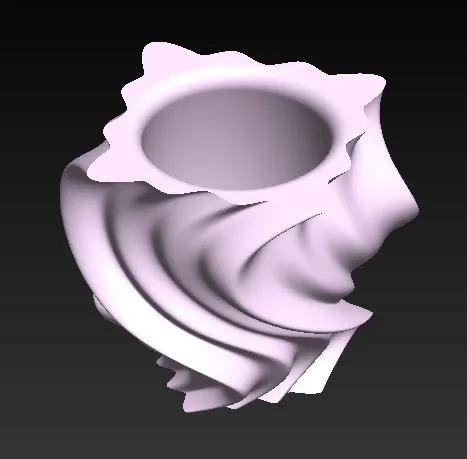
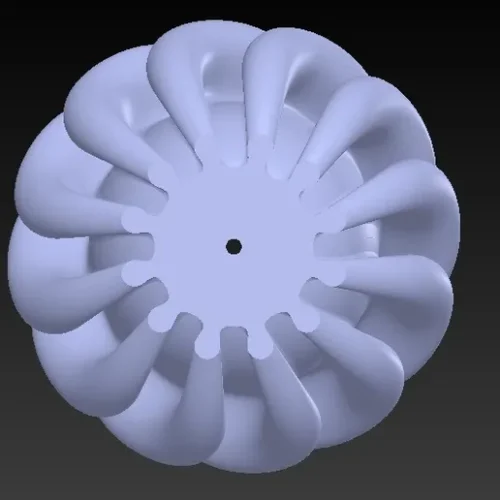
Discover carefully crafted 3D printable decor files designed for
makers, creators, and 3D printing enthusiasts. Download digital
models and bring distinctive decorative ideas to life through your
own creative projects.
A simple guide to discovering, purchasing, downloading, and
preparing your 3D printable decor files. Explore digital
designs, choose the right file for your project, and bring
creative decorative ideas into your own 3D printing workflow.
01
Explore 3D Designs
Browse the DeCorelle collection of digital 3D printable
decor files. Review product descriptions, previews,
available formats, and design details before choosing a
file for your creative project.
02
Check File Details
Check the product information carefully before purchase,
including supported file formats, model dimensions,
included components, and any specific printing notes
provided with the digital design.
03
Complete Your Order
Add your selected digital file to the shopping cart and
complete checkout using the available payment options.
Your order relates to a digital product and does not
include shipment of a physical item.
04
Download Your File
After successful payment, follow the provided download
instructions to access your purchased digital 3D file.
Save the original files securely so they remain available
for your personal creative workflow.
05
Prepare for Printing
Import the downloaded model into compatible 3D printing
software or a slicer. Review the model orientation,
dimensions, supports, infill, and other settings according
to your printer and chosen material.
06
Create Your Decor
Once your settings are ready, use your preferred 3D
printing setup to create the decorative model. Adjust
finishing, assembly, or presentation according to your
own creative project and preferences.
Digital Product Information
DeCorelle provides digital 3D files for creative and
3D-printing projects. Products on this website are
delivered electronically. No physical decor item,
3D printer, filament, or other hardware is included
unless specifically stated in the individual product
description.
PRINTING NOTES
Better Files.
Better Projects.
Check Dimensions
Confirm model dimensions and scale before
preparing the file for printing.
Review Print Settings
Choose slicing and printer settings appropriate
for your selected material and equipment.
Consider Supports
Review model geometry and determine whether
support structures are appropriate.
Keep Files Secure
Store your purchased digital files safely for
convenient access within your permitted use.
READY TO CREATE?
Explore Digital 3D Decor Files
Discover printable designs for your next creative project.
Find answers about DeCorelle digital 3D printable decor files,
downloads, file formats, printing preparation, and digital
product usage.
What do I receive when I purchase a 3D file?
You receive a digital 3D design file for the selected
product. Depending on the individual listing, the
download may include one or more supported file
formats and related digital instructions. No physical
decor item, printer, filament, or hardware is included
unless explicitly stated in the product description.
How do I download my purchased 3D file?
After your payment has been successfully processed,
follow the digital delivery or download instructions
provided with your order. Depending on the product and
checkout process, your file may be available through
your order details or delivered electronically to the
email address provided during checkout.
Which 3D printing software can I use?
Compatibility depends on the file format included with
each product. Common 3D printing workflows may involve
a slicer or compatible modeling software. Please check
the individual product listing for supported formats
before purchasing and use software compatible with your
3D printer and preferred workflow.
Can I use the files for my own creative projects?
Digital files are provided according to the usage terms
specified on the applicable product listing or license.
You may use the files within the permitted scope for
your projects. Please review the product's license
information carefully before using, sharing,
modifying, or distributing the digital files.
What should I check before purchasing a 3D file?
Review the product description, included file formats,
model dimensions, compatibility information, license
terms, and any specific printing notes before placing
your order. Because these are digital products, please
make sure the selected file matches your intended
project and printing setup.
NEED MORE INFORMATION?
Visit our guide or contact us if you need help understanding
a digital 3D file before placing an order.